Skip to content

Websites I built

Each site, shown by the one thing it does best.

Small businesses and my own store, one line each. Open one to see that thing working, then read the full case study if you want the detail.

All my work
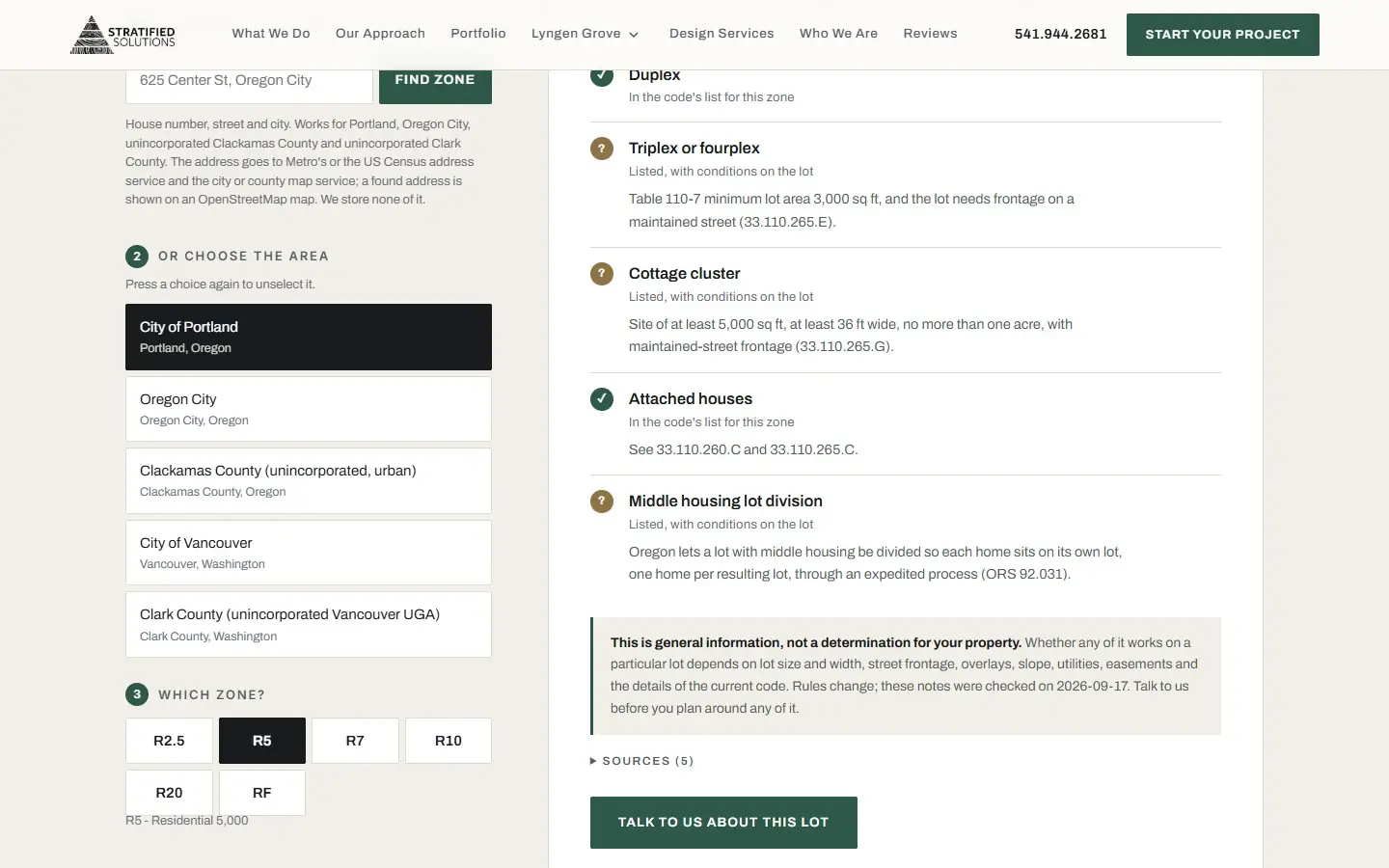
  1. On a computer, City of Portland and then R5 are picked in the zoning guide. A checklist fills in, each kind of home marked listed or listed with conditions, with its code section, and ends on a note that the rules were checked on 2026-09-17.
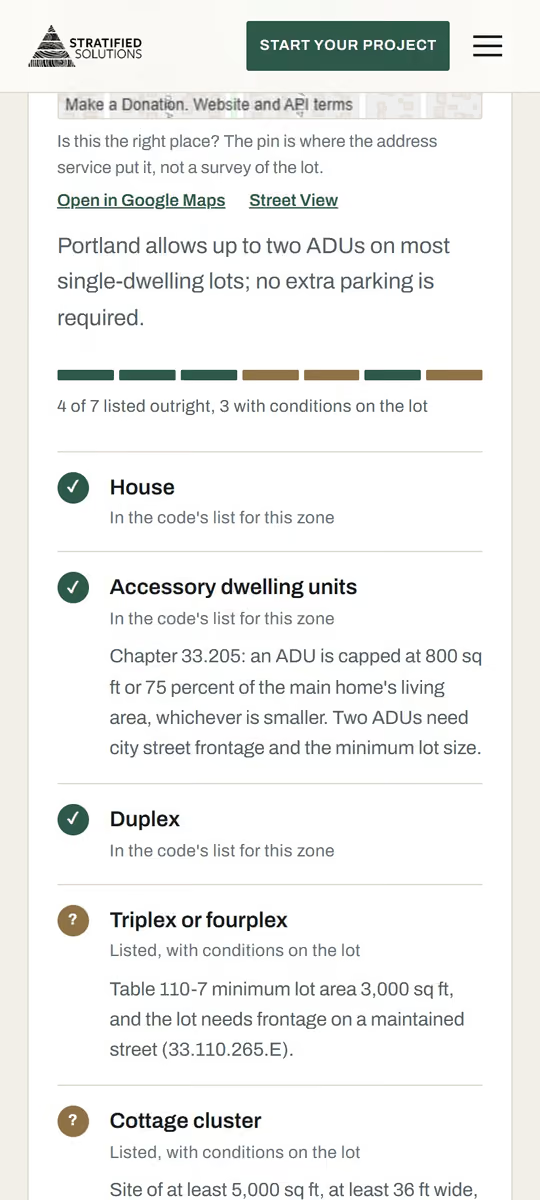
    A phone types the address of a Portland public school into the zoning guide and taps Find zone. The guide answers City of Portland, zone R5, and lists what the code allows there.
  2. Store · Portland

    A quiz that finds your season's formula.

    Human NatureLive, taking orders
    See the story: Human Nature
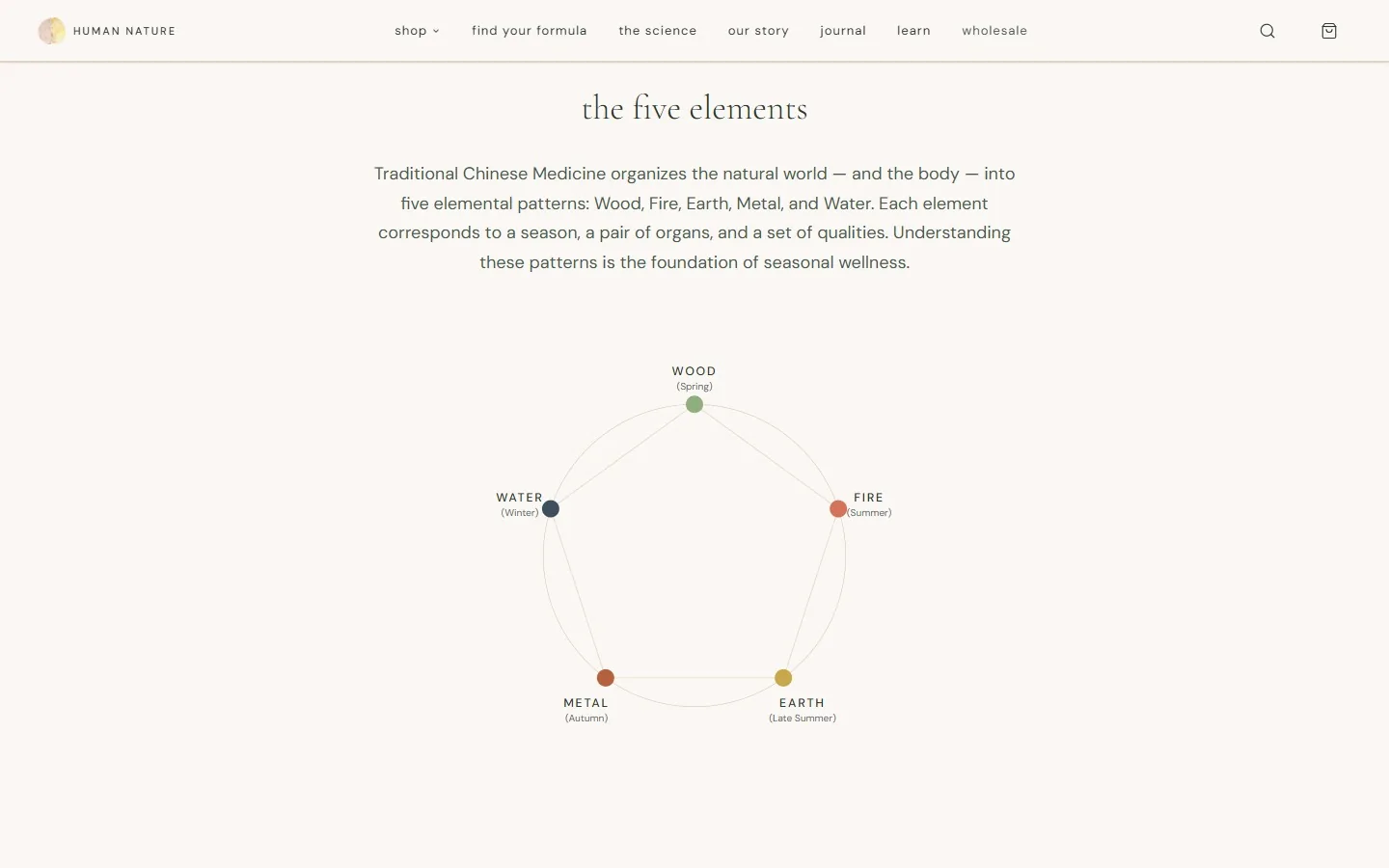
    The store's seasonal page scrolls to its five-element wheel: Wood for Spring, Fire for Summer, Earth for Late Summer, Metal for Autumn and Water for Winter.
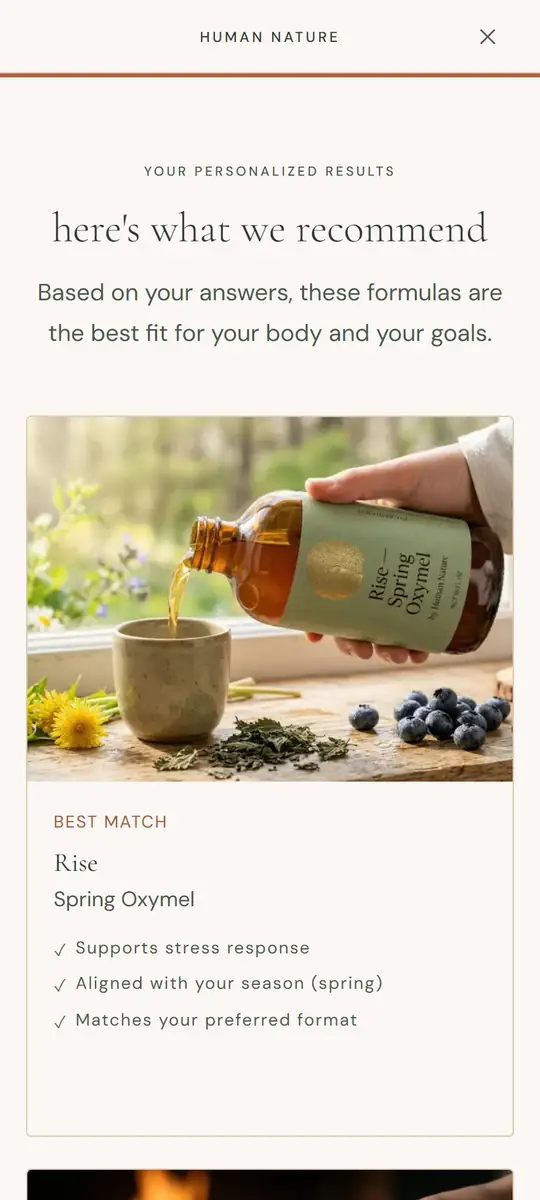
    On a phone, the quiz: Spring is tapped, then two goals, then the liquid oxymel format, then Skip and see results, and the store recommends Rise, its Spring Oxymel. One question is left out of the loop.
  3. Client site · Oregon City

    Built for patients in their 60s to 80s.

    Human Nature MedicineLive
    See the story: Human Nature Medicine
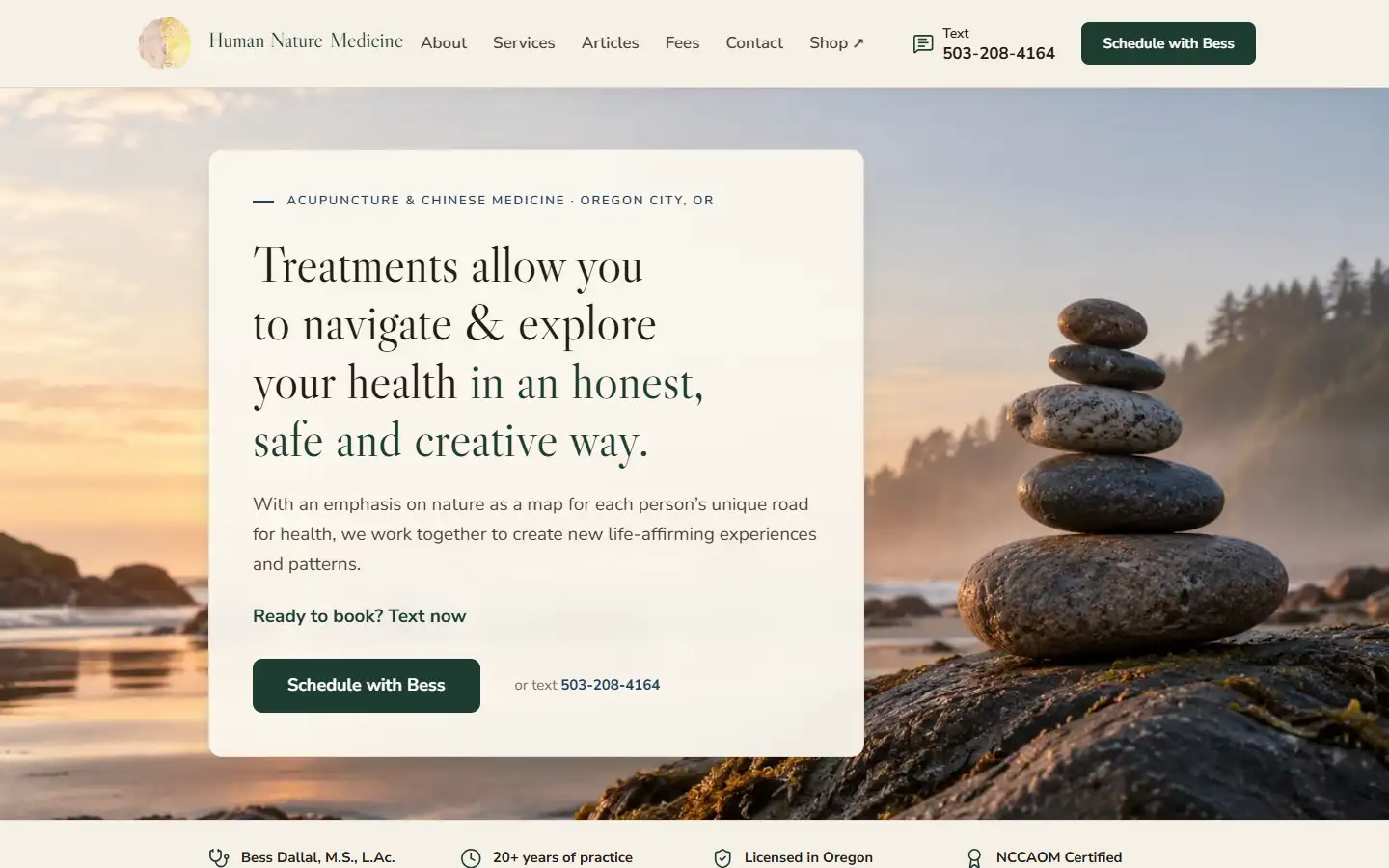
    The clinic's home page on a computer: stacked stones by the sea, Schedule with Bess or text, and her credentials in a row underneath.
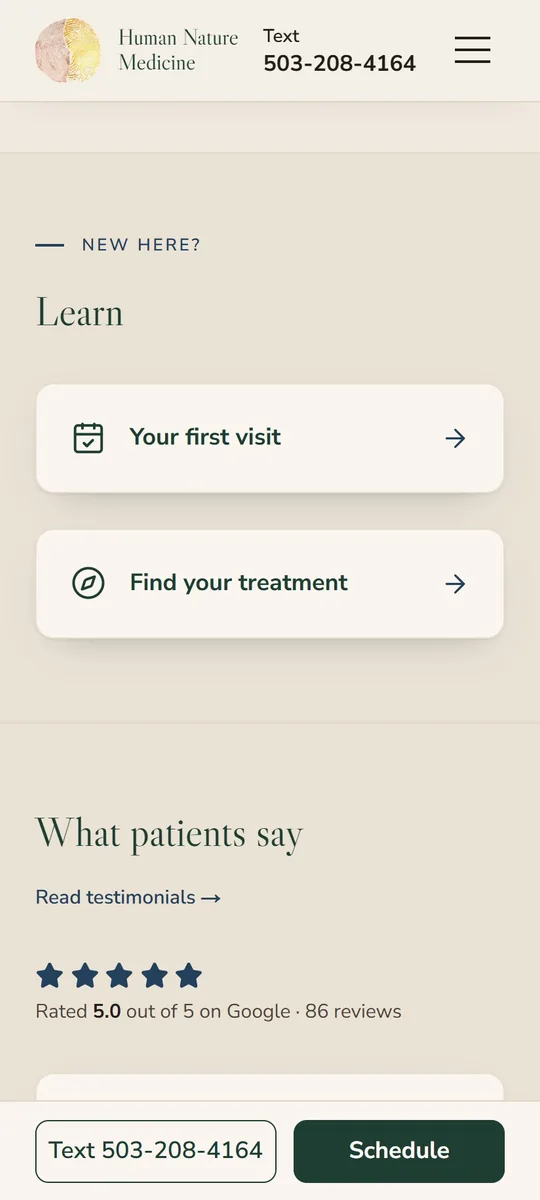
    On a phone, the clinic's home page scrolls past her credentials and services to her Google rating, while the Text and Schedule buttons stay at the bottom of the screen.
  4. Client site · Oregon City

    Her whole catalogue, from her Square.

    Good Vibe GalleryLive
    See the story: Good Vibe Gallery
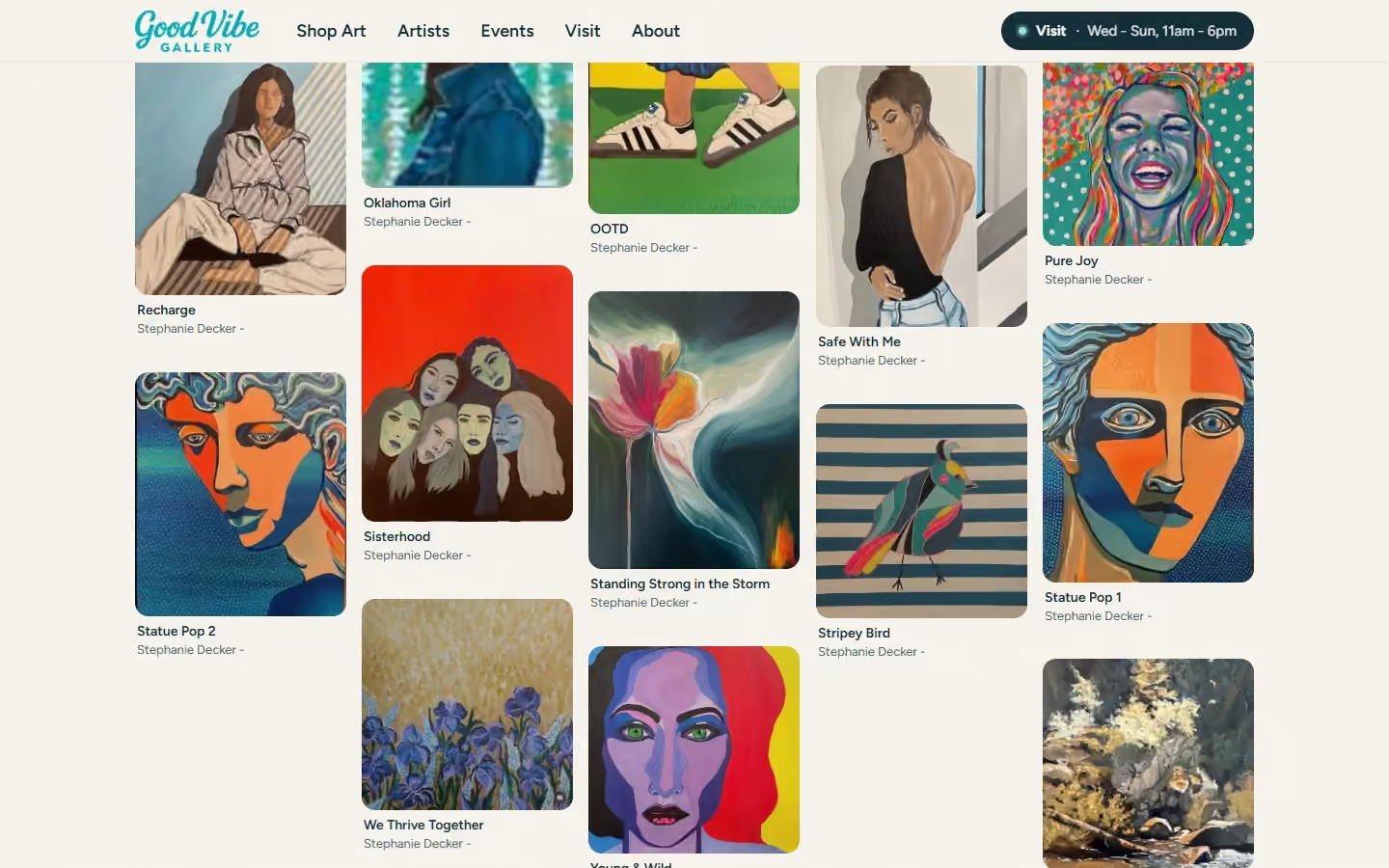
    The gallery's Shop Art page scrolls down a wall of paintings from her Square, each card with its title and artist.
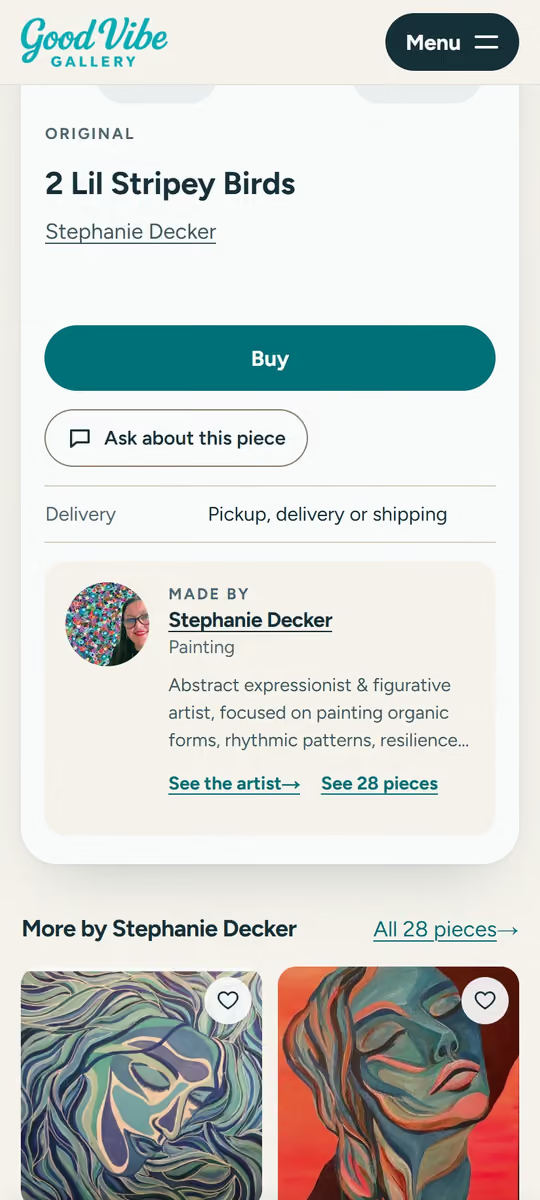
    On a phone, a painting of two striped birds is tapped on the wall and its page opens: the Buy button, Ask about this piece, and pickup, delivery or shipping.
  5. My product

    The logo is the org chart.

    XgonLive, early access
    See the story: Xgon
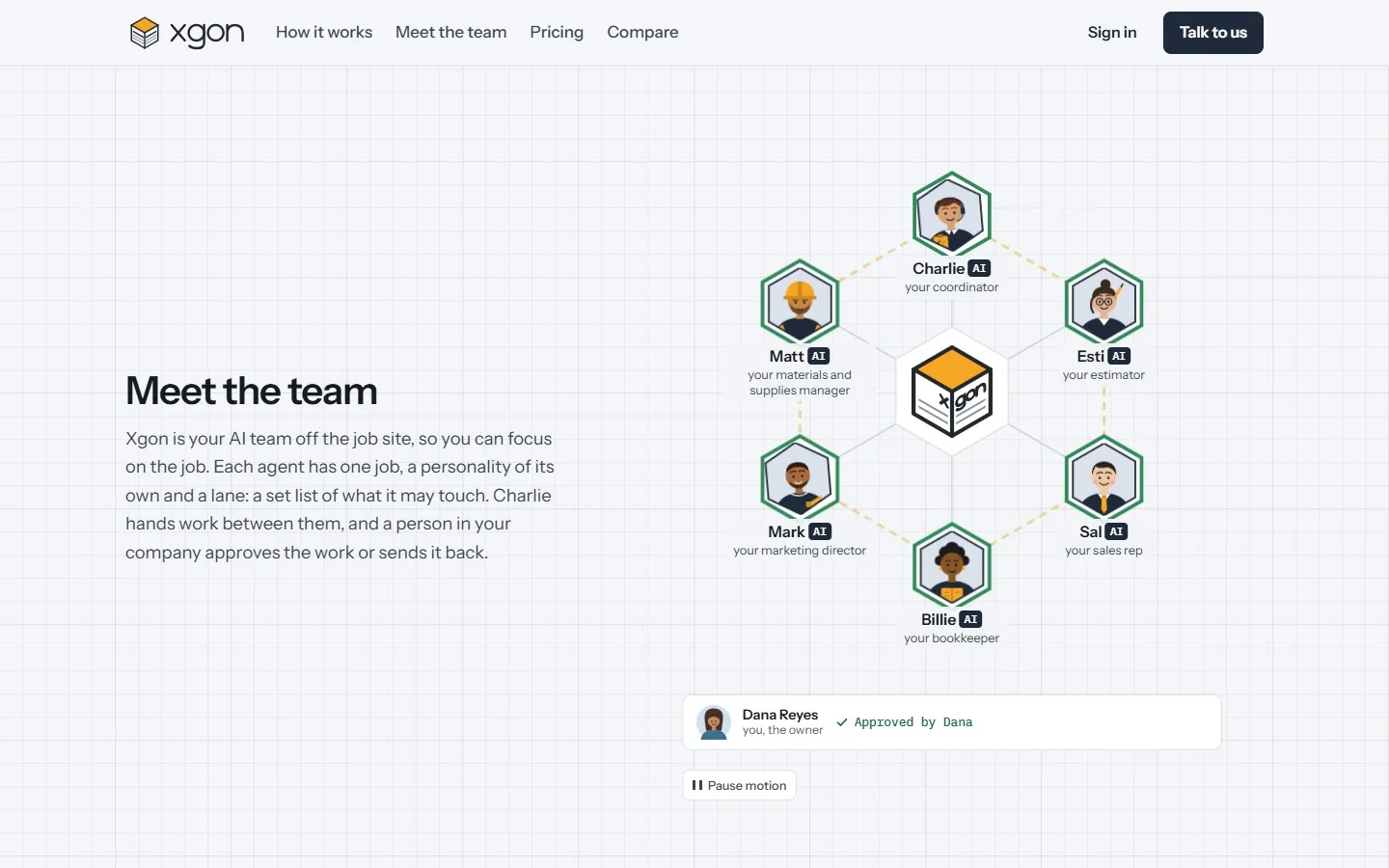
    Xgon's home page on a computer: the Xgon mark sits in a hexagon with six AI assistants at its corners. Work passes from the coordinator through the mark to each assistant, whose ring fills while it drafts, one draft is sent back, and then every ring turns green, approved by the owner.
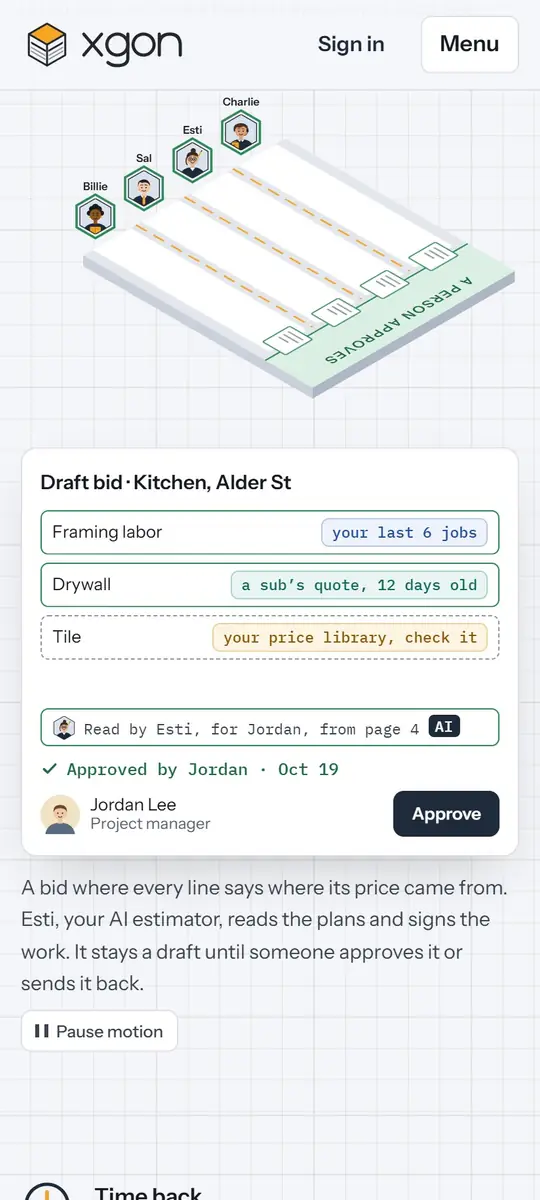
    On a phone, Xgon's hero: four assistants' lanes run down a job board to a strip marked A person approves, and a draft bid fills in line by line, each line tagged with where its number comes from, until the project manager approves it.
  6. My product

    The AI team's demos are typed, not filmed.

    OrchardLive, taking design partners
    See the story: Orchard
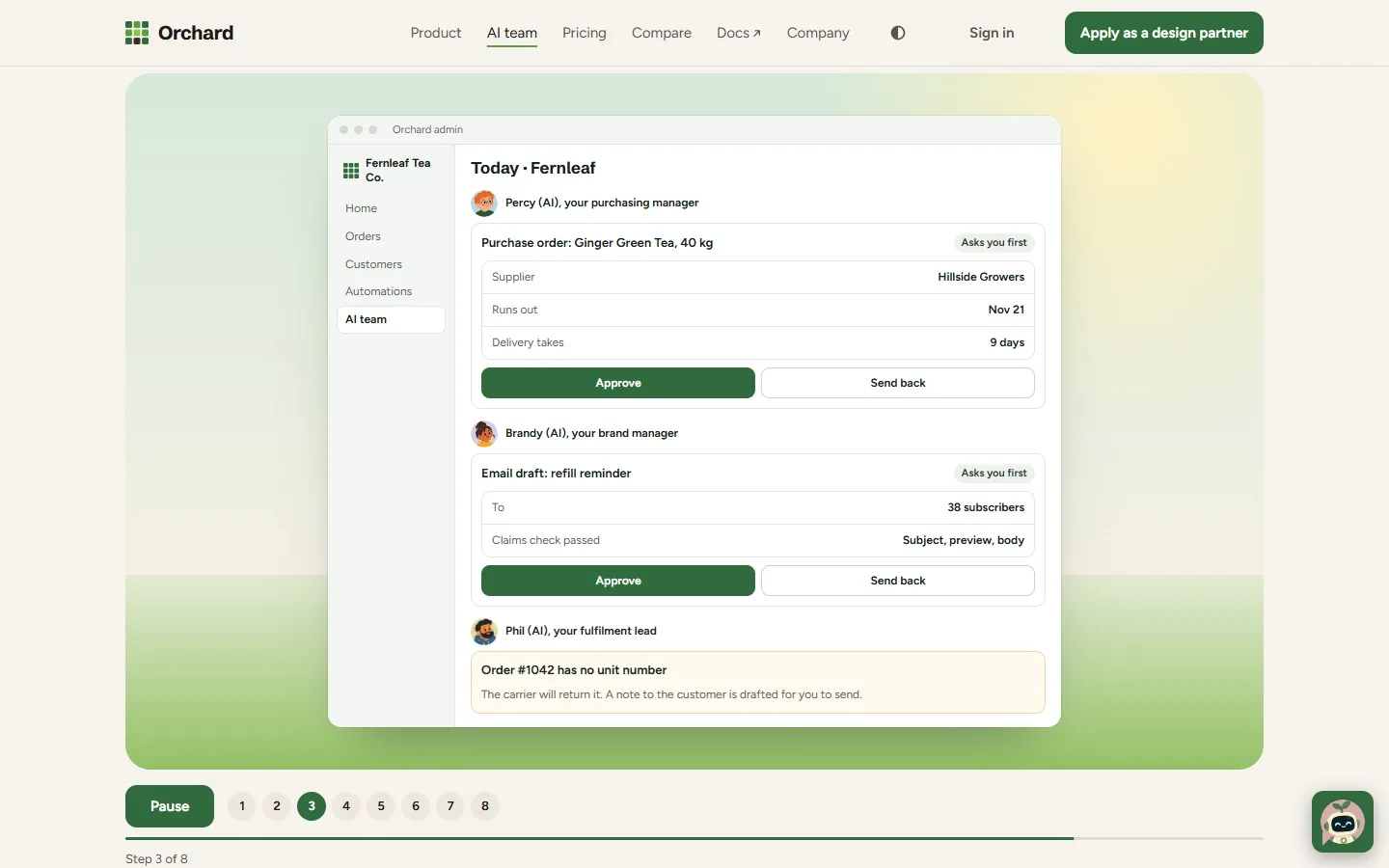
    Orchard's AI team page on a computer: in an admin window for a made-up tea store, a purchase order for 40 kg of Ginger Green Tea is drafted, then a refill reminder email, then a note that an order has no unit number, one line every three seconds.
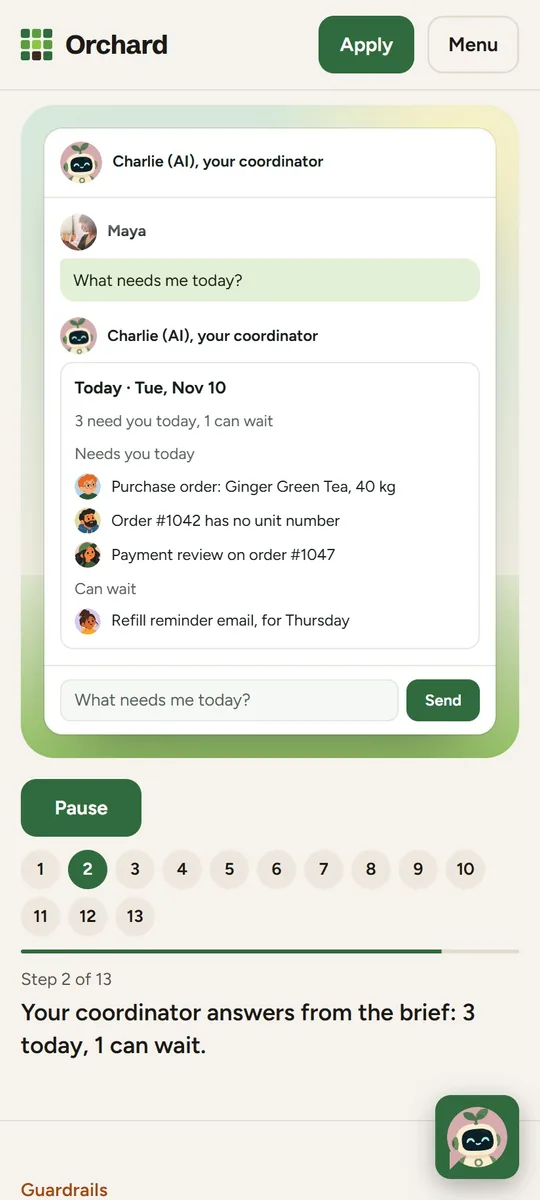
    On a phone, the chat with Charlie (AI), the coordinator: the question “What needs me today?” is typed into the box letter by letter, sent, and answered with the day's brief, three things that need the owner today and one that can wait.